Eddie Calendar
Eddie Calendar is an iOS calendar app I built because I dont like other calendars.
Goal
Build a calendar app that I like and maybe others would find useful. Maybe even eventually add AI and make it like a personal assistant. App store launch one day..... soon. On the backburner due to other side quests and busy with school.
Major Milestones
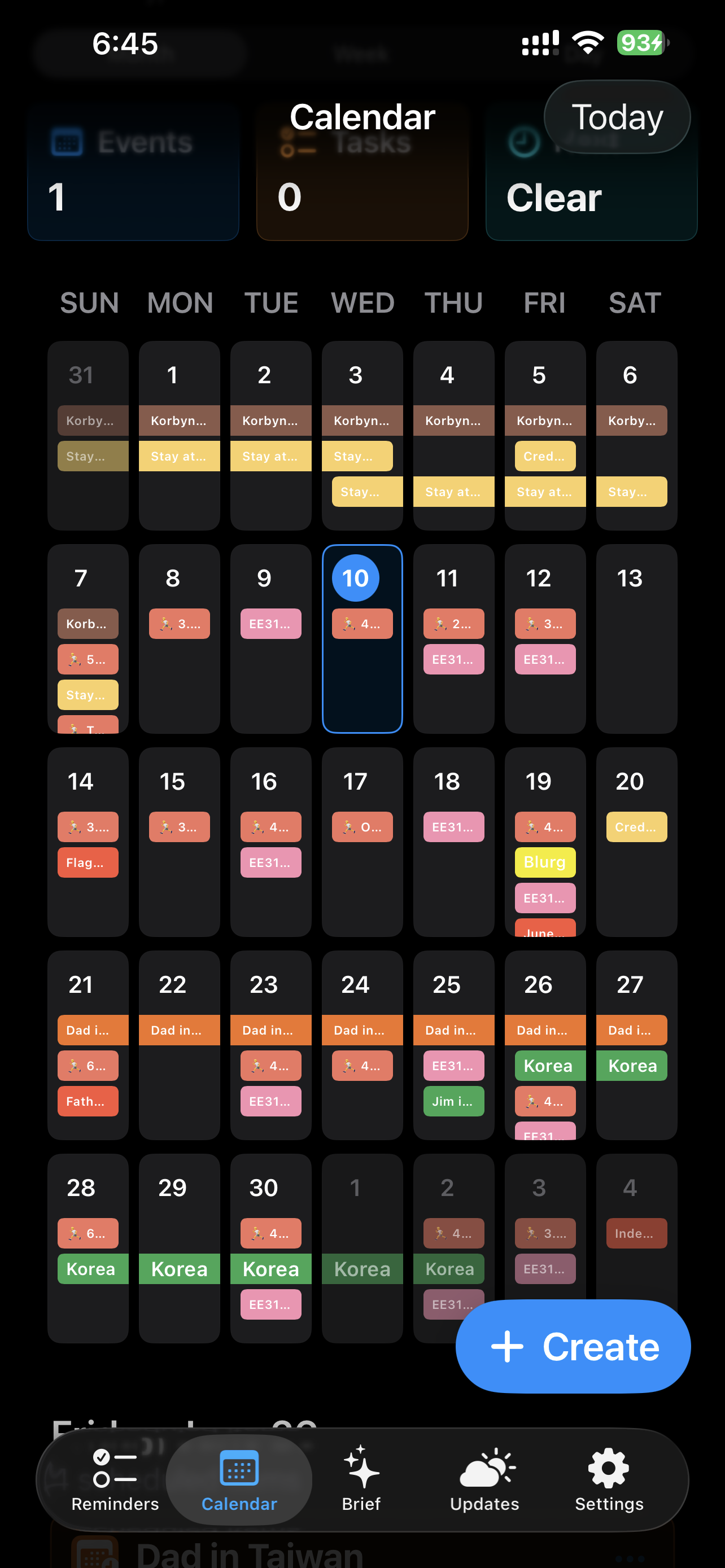
- June 11, 2026 — Implemented the calendar category system, external calendar integration framework, recurring event framework, and theme support.
- June 15, 2026 — Eddie Calendar became my daily-driver calendar app.
- July 29, 2026 — Fixed recurring events and successfully entered my Fall 2026 semester schedule into Eddie Calendar.
Current Features
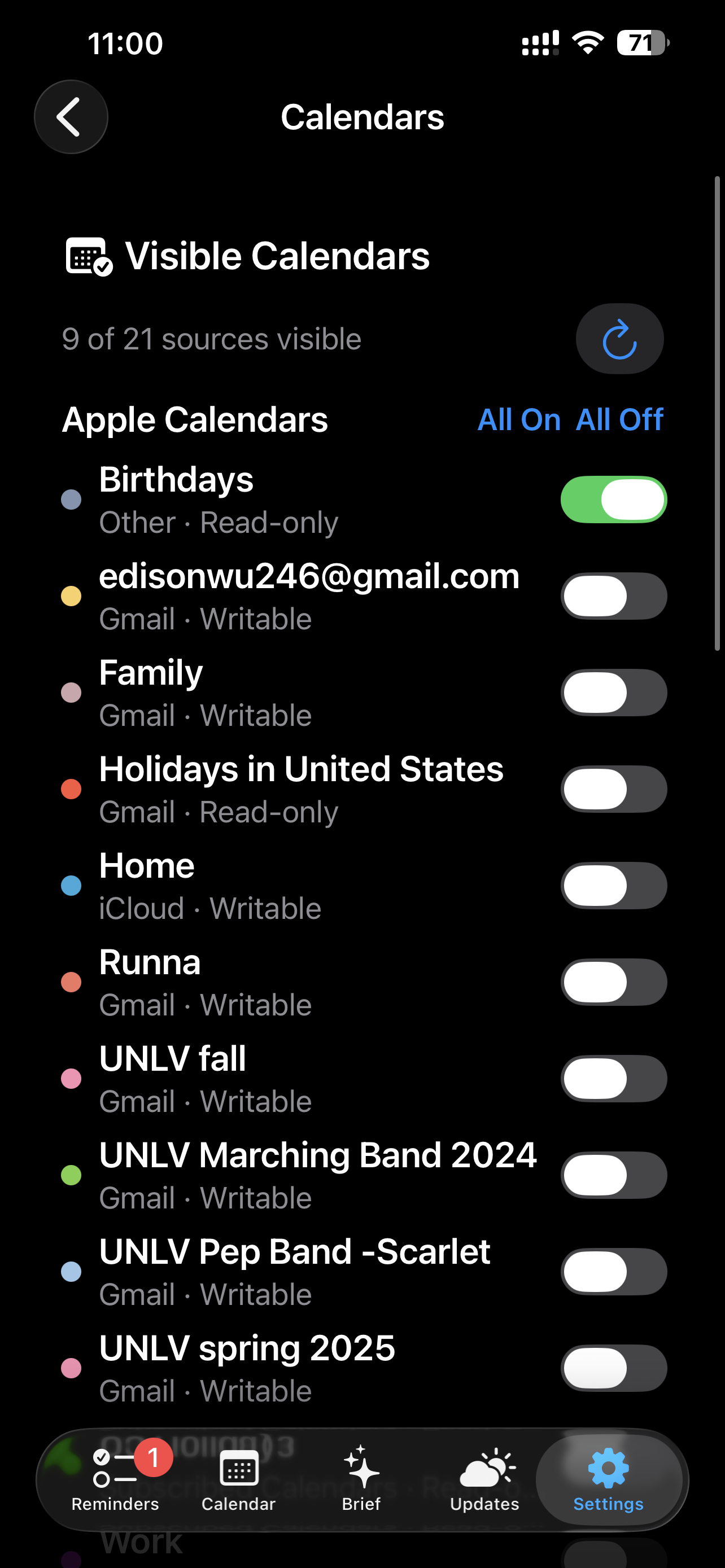
- Local, Google, and Apple calendar support
- Custom event categories
- User-configurable category colors
- Calendar visibility controls
- Month, week, and day views
- Horizontal hourly week view
- Recurring events
- Dark, light, and system themes
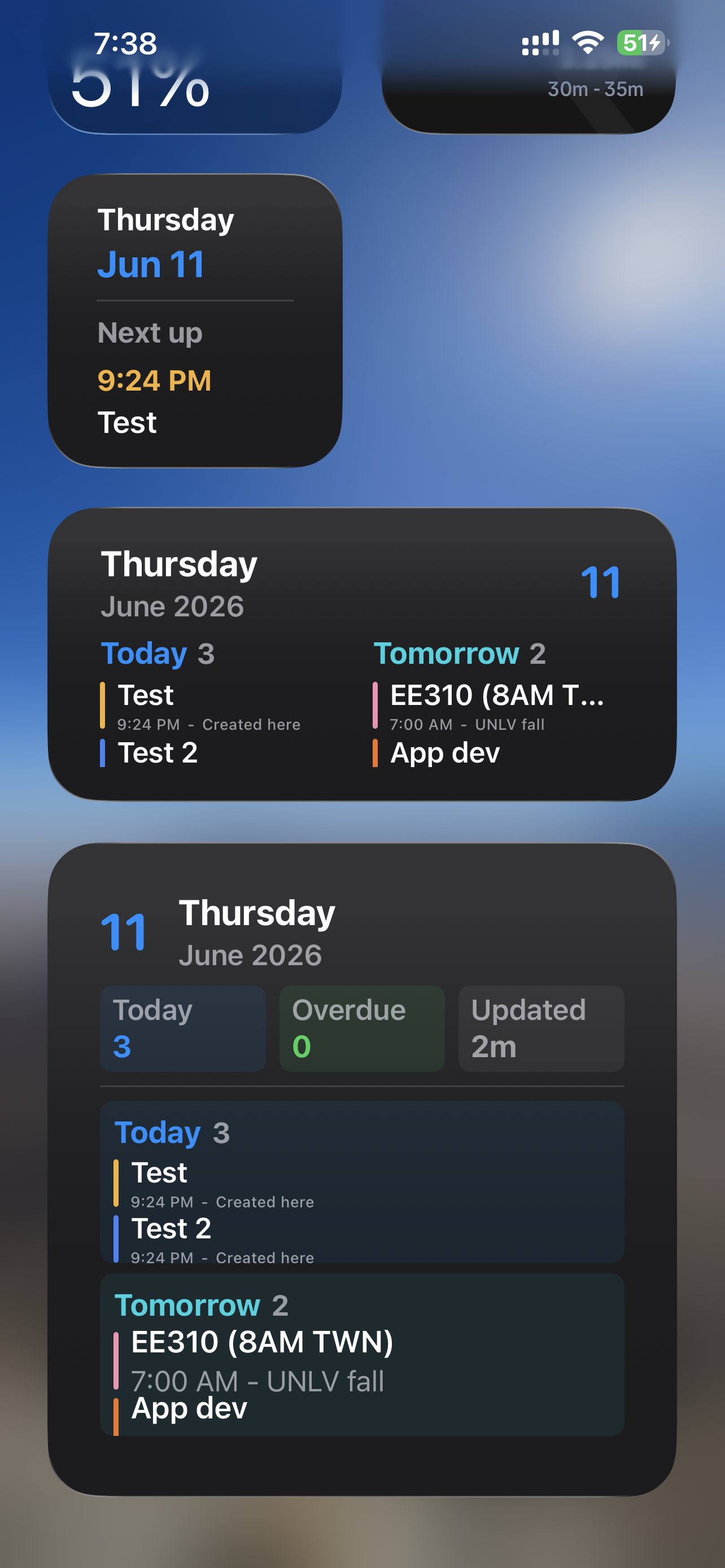
- Calendar widgets
Development Progress
Slowly making it work properly.
June 2026
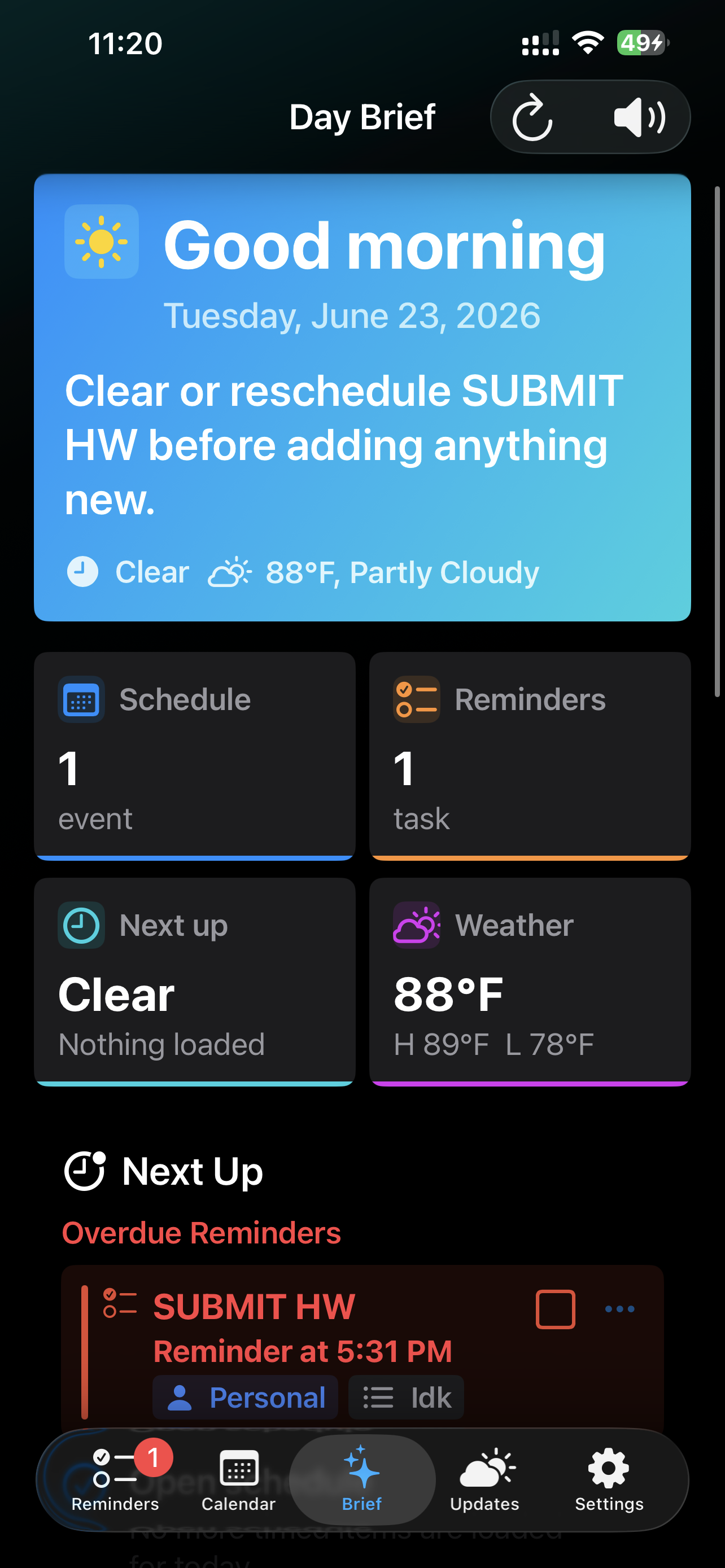
Early development focused on fixing event creation bugs, improving month-view behavior, adding themes, implementing calendar selection, introducing event categories, and building the initial recurring event system.
Widget Development
I also worked on calendar widgets, including the Next Up widget, larger layouts, readability, information prioritization, and widget presentation logic.
July 2026
I went back through the app to remove unused code and inefficiencies, refined the month, week, and day interfaces, reduced unnecessary scrolling, fixed recurring events, and began working on offline access.
Development Screenshots
June 10, 2026
June 16, 2026
June 23, 2026
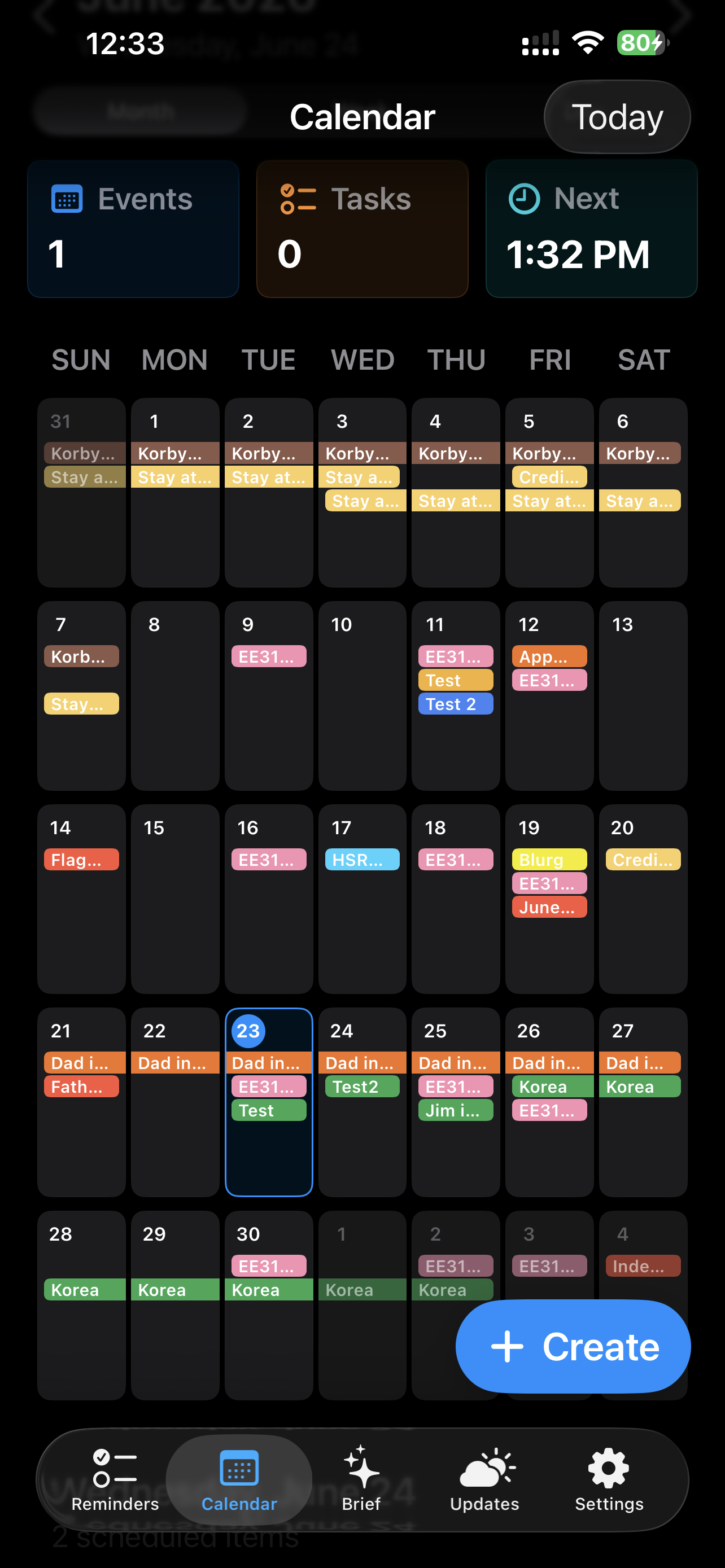
July 13, 2026
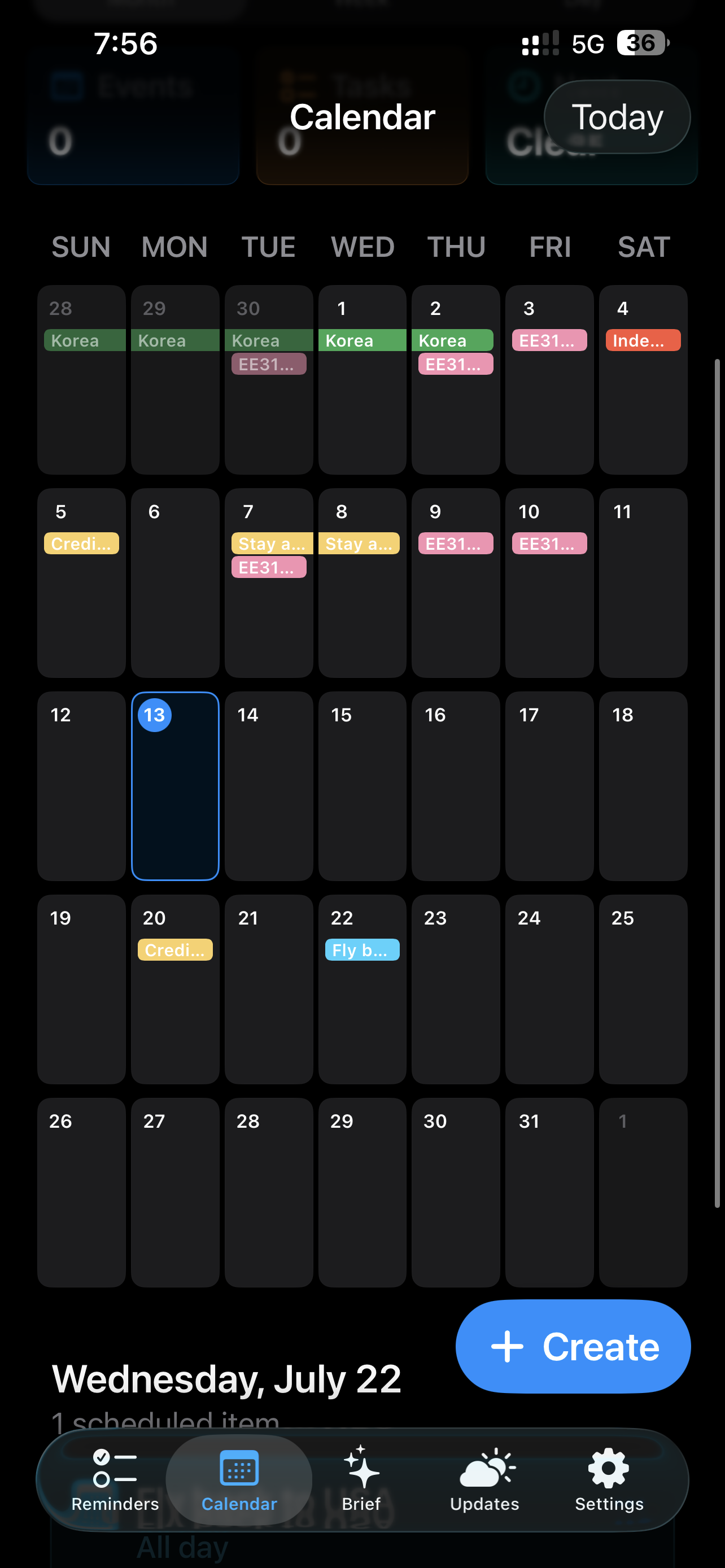
July 15, 2026
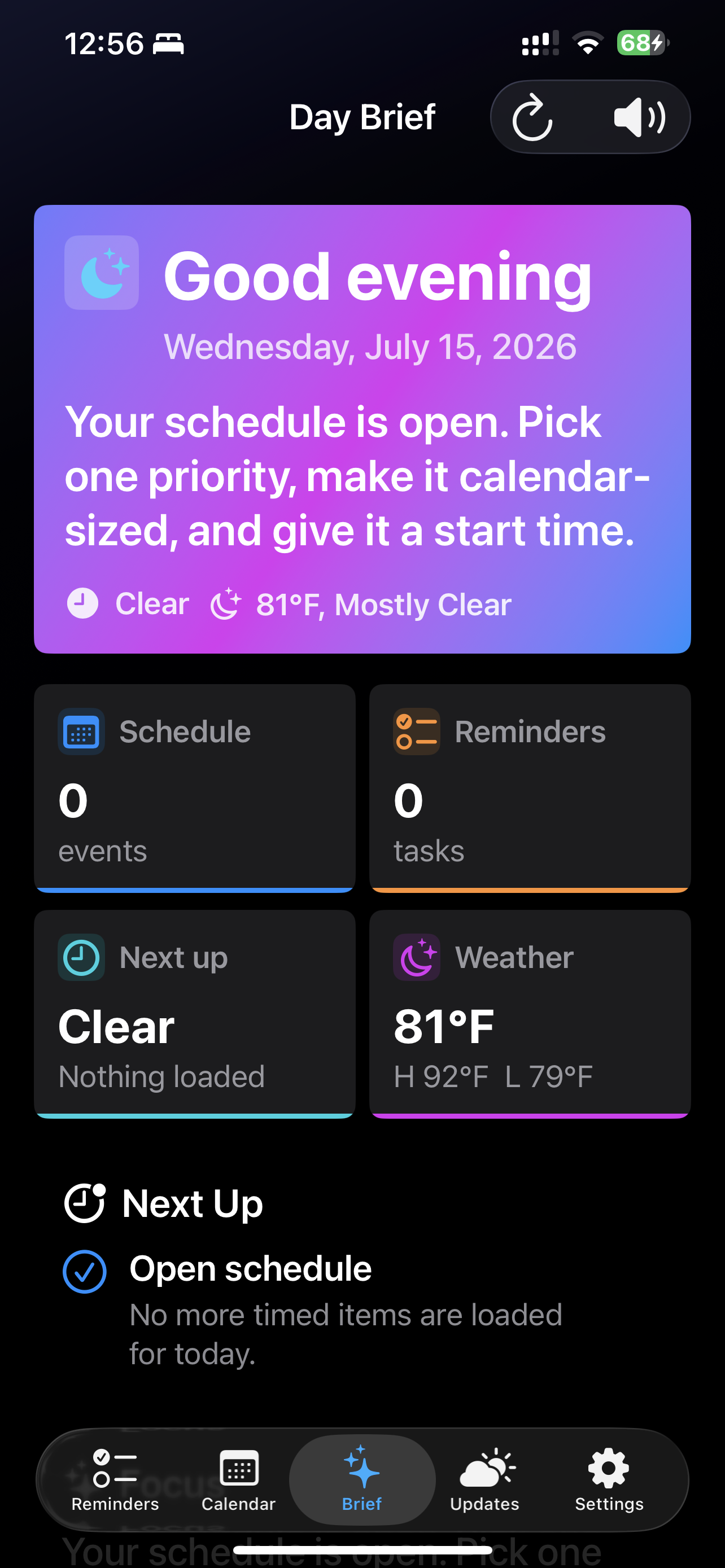
July 29, 2026
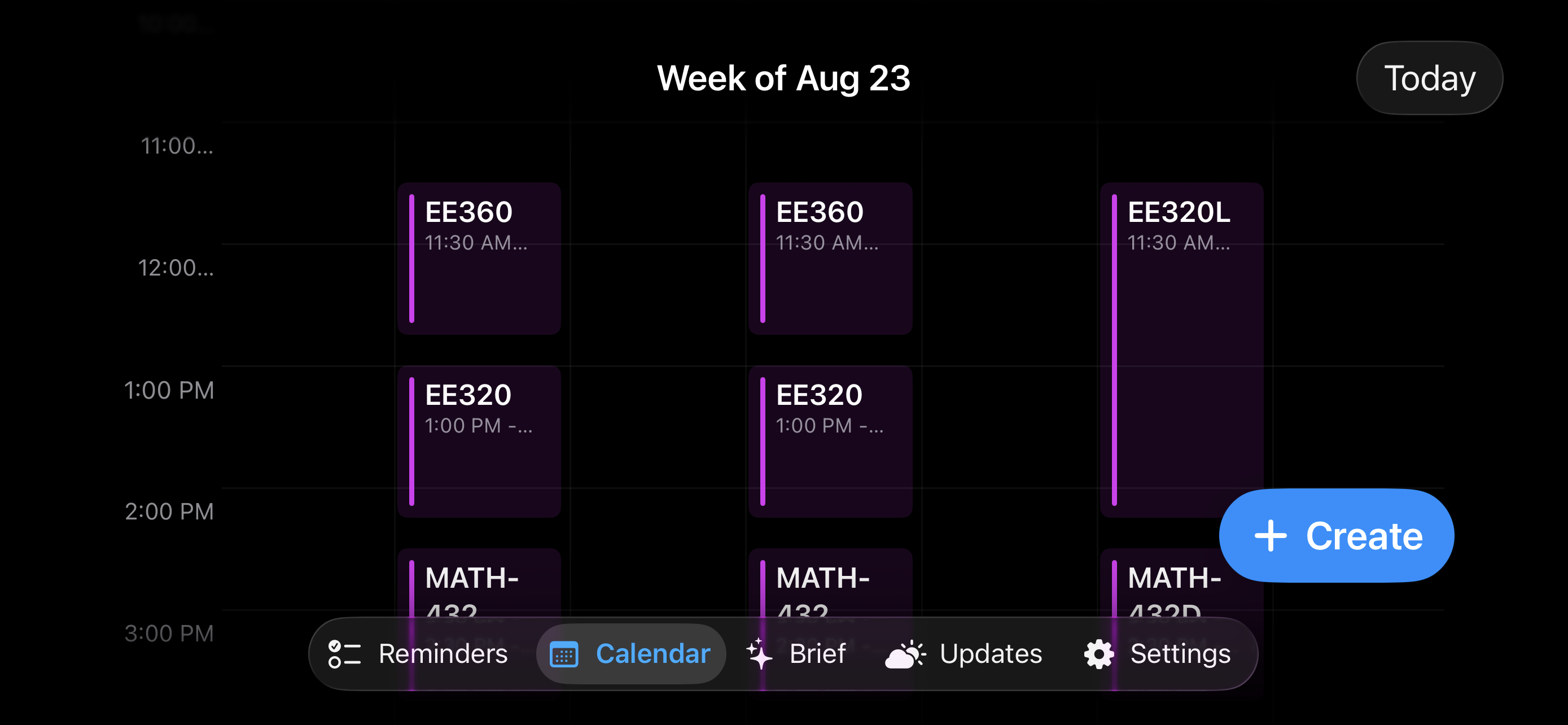
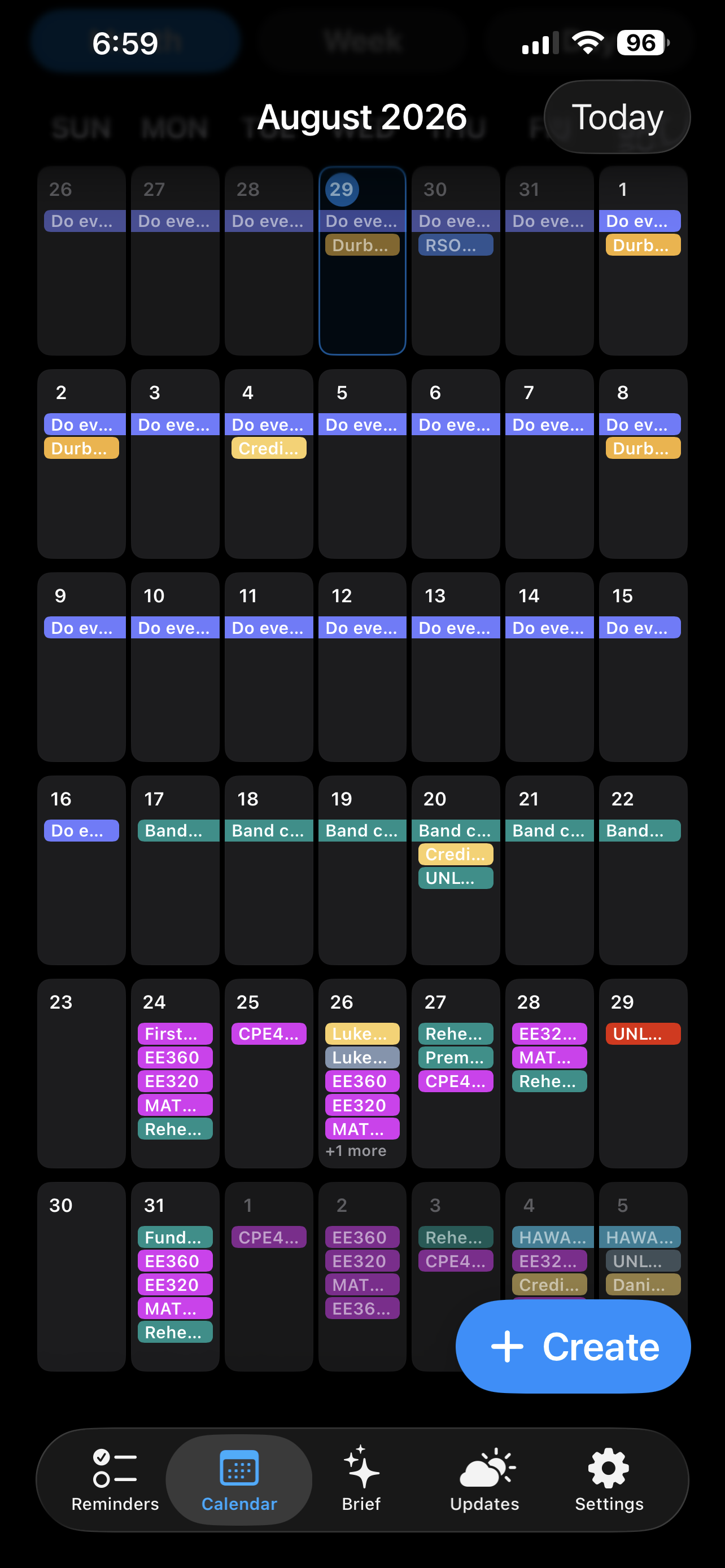
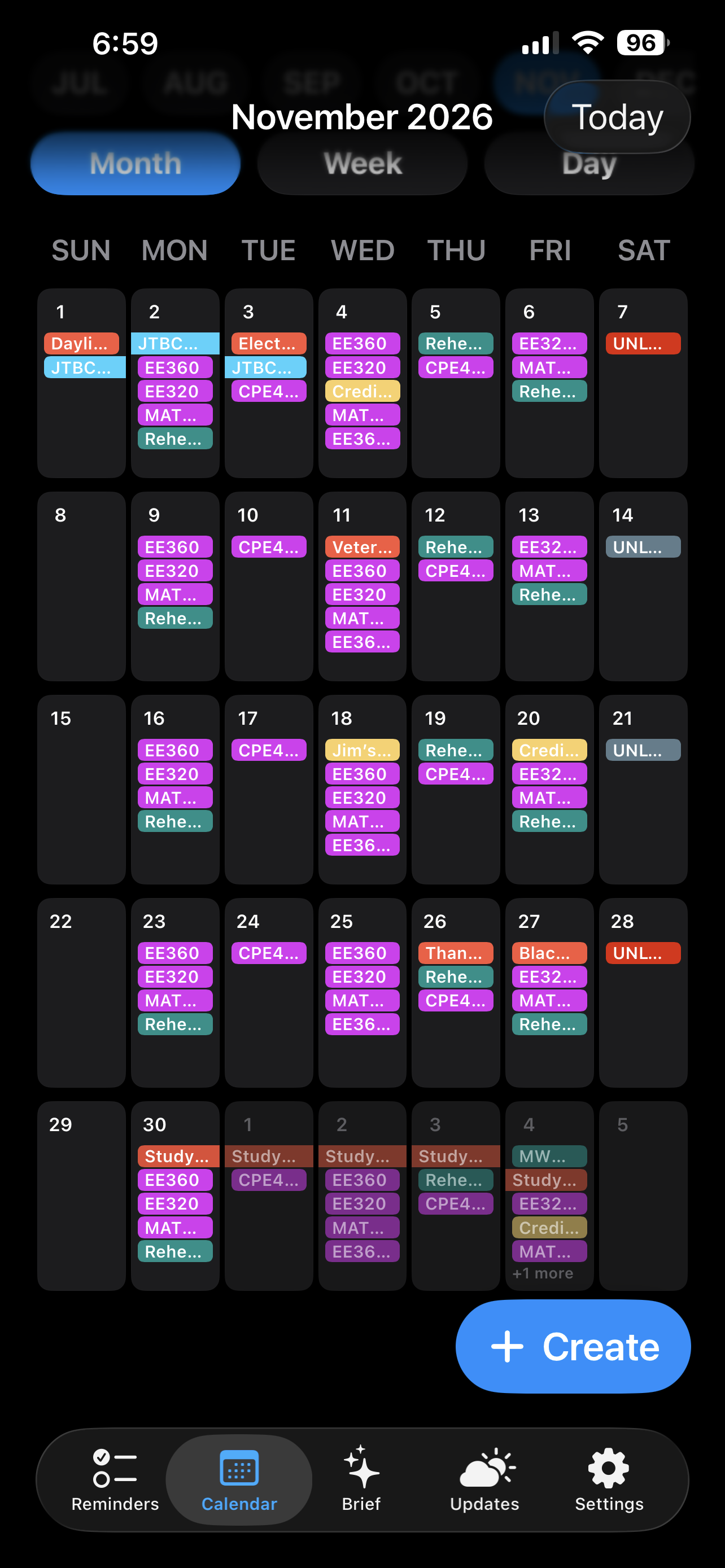
Development Log
- June 9 — Fixed event creation and phantom date highlighting.
- June 10 — Added themes, hourly week view, calendar selection, visibility toggles, categories, custom colors, and repeating-event support.
- June 11 — Continued widget development.
- July 28 — Code cleanup and calendar UI refinement.
- July 29 — Finished UI revisions, fixed recurring events, and started offline-access work.
What I Learned
UI design and choices that make life easier for me. It's not so easy to make stuff.
Future Work
- Improve offline access
- Continue refining the user interface
- Expand calendar and scheduling features
- Add shared calendars
- Explore location-aware scheduling and commute context
- Add AI Assistant
- Launch onto app store eventually
Updated: 10/23/2026